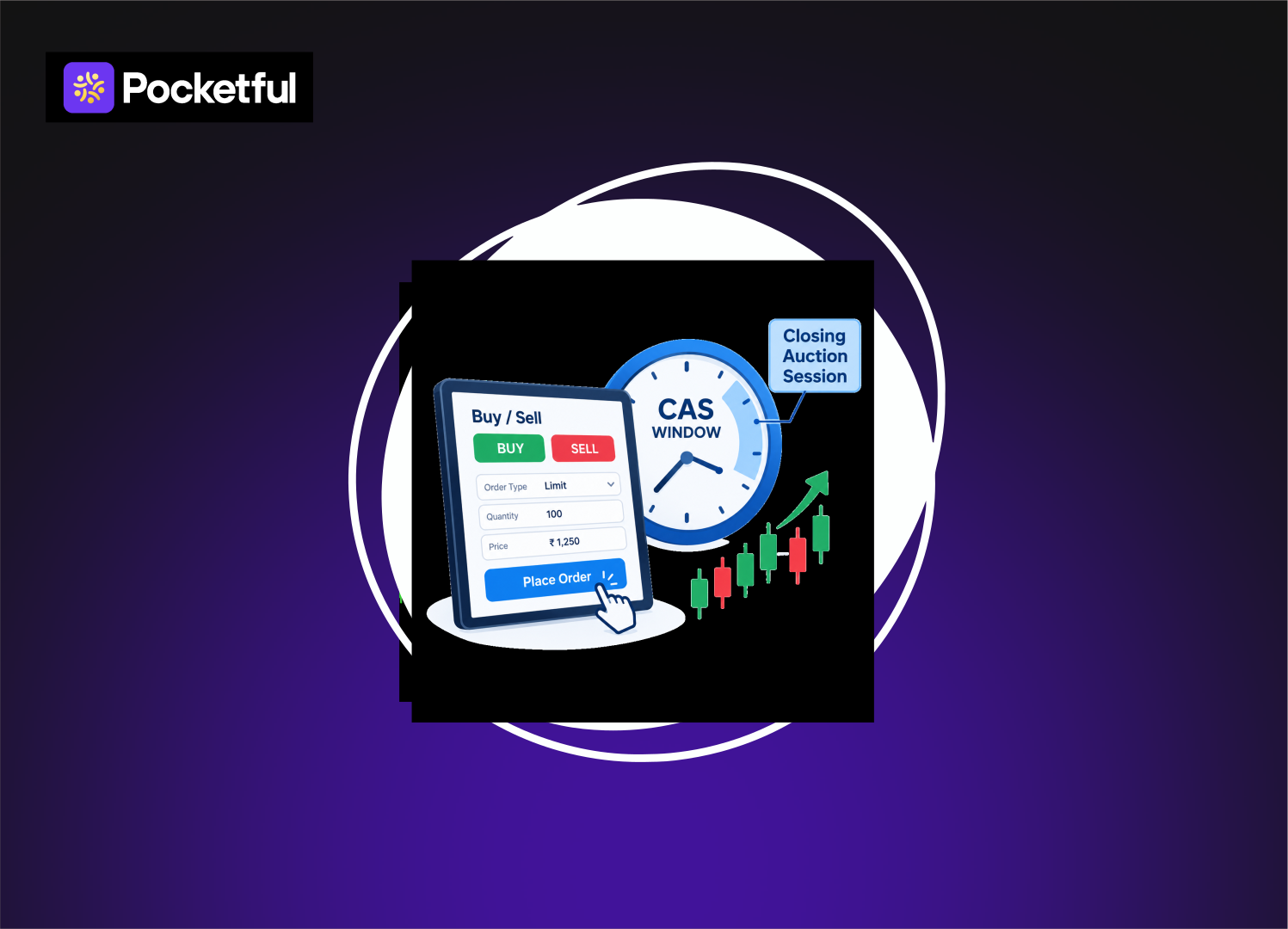
Placing an order during the Closing Auction Session (CAS) differs slightly from normal trading because orders are matched through an auction process. In this blog, we will explore how to place an order during the CAS window, the correct timing, the types of orders that can be placed, and how execution takes place, ensuring there is no confusion when placing your order.
What Is the CAS Window
The Closing Auction Session (CAS) on the NSE is a distinct session designed to determine the closing prices of eligible F&O stocks through an auction process. Instead of immediate order matching, orders are first collected, and matching subsequently takes place at an equilibrium price. The CAS runs from 3:15 PM to 3:35 PM, with the actual order matching occurring after 3:30 PM.
| CAS Stage | Time | What happens? |
|---|---|---|
| Transition | 3:15-3:20 PM | A reference price is determined for CAS. |
| Order Entry | 3:20-3:25 PM | Limit and market orders can be placed, modified, or cancelled. |
| Limit Order Period | 3:25-3:30 PM | Only limit orders can be entered, modified or cancelled. |
| Order Matching | 3:30-3:35 PM | Orders undergo auction-based matching. |
Modifying a market order or placing a new market order is not permitted after 3:25 PM. Additionally, the final phase of the order-entry period is subject to a system-driven random closure; therefore, waiting until the very last moment is not advisable.
How to Place an Order During CAS Window?
Simply clicking ‘Buy’ or ‘Sell’ is not enough to place an order in CAS. You must carefully check stock eligibility, the current phase of CAS, the order type, quantity, and price. Here is the simple process for placing an order:
Step 1: Check for CAS-Eligible Stocks
First, verify whether the stock you wish to trade is eligible for CAS. Under the NSE’s current Phase 1 framework, CAS applies to cash-segment stocks that have derivative contracts available.
Step 2: Open a Buy or Sell Order
Select the eligible stock on your trading platform and navigate to the ‘Buy’ or ‘Sell’ option. Then, enter the quantity and select the order type.
Step 3: Select the Correct Order Type
Limit and Market orders are permitted in CAS; Stop-loss and Iceberg orders are not allowed. Between 3:20 PM and 3:25 PM, both order types can be entered, modified, or cancelled. After 3:25 PM, these actions are permitted only for Limit orders.
Step 4: Enter the Limit Price Carefully
If you are placing a limit order, enter your desired price. In CAS, the applicable price band is ±3% of the reference price. This reference price is generally determined by the VWAP (Volume Weighted Average Price) of trades executed between 3:00 PM and 3:15 PM.
Step 5: Double-Check Order Details
Before submitting the order, verify the stock, Buy/Sell action, quantity, order type, and limit price. In particular, avoid waiting until the last moment in CAS, as a system-driven random closure may occur during the final two minutes of the order-entry period.
Step 6: Submit the Order and Check Status
Once submitted, the order is not executed immediately. In the CAS, orders are collected, and trade confirmation takes place during the matching period of 3:30 PM to 3:35 PM in accordance with the auction mechanism. Therefore, one can determine whether the order was fully executed, partially executed, or unexecuted only by checking the order status later.
What Happens After You Place a CAS Order?
Orders are not executed immediately after being placed. In the CAS, orders are first collected; an equilibrium price is then determined based on supply and demand, and matching takes place accordingly.
- Orders enter the Auction Book: Orders submitted to the CAS become part of the auction process. During this time, the NSE displays information such as the indicative equilibrium price, tradable quantity, and buy-sell imbalance, providing an estimate of the prevailing demand and supply in the auction.
- Equilibrium Price is determined: The NSE determines a price at which the maximum possible quantity can be executed. If the same quantity can be executed at multiple price points, the price with the lower order imbalance is considered first; if necessary, the price closest to the reference price is selected.
- Orders are matched: During the matching period (3:30 PM to 3:35 PM), eligible buy and sell orders are matched according to established priority. If an order does not find sufficient quantity or a suitable price on the counter-side, full execution is not guaranteed.
- Final Closing Price is determined: If an equilibrium price is determined in the CAS, it becomes the security’s closing price. If an equilibrium price cannot be determined, the CAS reference price is treated as the closing price, in accordance with NSE regulations.
Read Also: Closing Auction Session (CAS): Meaning, Timings & Process
How Are Buy and Sell Orders Matched in CAS?
In CAS, the matching of buy and sell orders does not happen instantly as it does in normal trading. Orders are first collected in an auction book; the exchange then determines an equilibrium price based on demand and supply and proceeds to match the orders.
- Matching of Market Orders: Initially, eligible market orders are matched with other market orders based on time priority. This means that, all else being equal, the order received first is given priority.
- Matching of Market and Limit Orders: If the full quantity of market orders is not matched, the remaining market-order quantity is matched with eligible limit orders based on price-time priority.
- Matching of Limit Orders: Subsequently, the remaining limit orders are matched against each other. Here, price-time priority applies: a better price receives priority, and in the event of identical prices, the order received earlier takes precedence.
- A Simple Example of CAS: Suppose buyers have placed limit bids of ₹500 and ₹495 for a particular stock. In CAS, the system does not merely look at which order arrived first. Instead, it first identifies an equilibrium price that allows for the execution of the maximum possible quantity. The final matching of eligible orders takes place at this specific price.
Market Order vs Limit Order During CAS
Both order types are available in CAS, but they function differently. Notably, market order activity ceases after 3:25 PM, making the timing of order placement crucial.
1. Limit Order
With a limit order, you pre-determine the price at which you wish to buy or sell. In CAS, limit orders can be placed, modified, or cancelled during the 3:20 PM to 3:30 PM order-entry window; however, a system-driven random closure applies during the final two minutes.
2. Market Order
A market order does not involve a pre-determined price. It can be entered, modified, or cancelled during the CAS order-entry period of 3:20 PM to 3:25 PM. None of these actions are permitted for market orders after 3:25 PM.
| Point | Limit Order | Market Order |
|---|---|---|
| Allowed in CAS | Yes | Yes |
| Specify the price | Yes | No |
| 3:20 – 3:25 PM | Entry/modify/cancel | Entry/modify/cancel |
| 3:25 – 3:30 PM | Entry/modify/cancel | Not allowed |
What Happens If a CAS Order Is Not Executed?
In the CAS, it is not mandatory for every order to be fully executed. Following the final matching process, an order may be fully executed, partially executed, or remain unexecuted, depending on the available buy-sell quantity and the determined equilibrium price.
- Fully Executed Order: If suitable counter-orders are found for your entire quantity, the order is fully executed. For instance, if you placed an order to buy 100 shares and the entire quantity of 100 shares was matched, the order is considered fully executed.
- Partially Executed Order: If a matching quantity is not available for your entire order volume, a portion of the order may be executed while the remainder stays unmatched. Partial matching is possible within the NSE’s auction matching mechanism.
- Unexecuted Order: If no match is found for your order within the CAS, it will not be executed. Following the CAS matching process, unmatched orders are handled according to the exchange’s applicable rules; therefore, such an order should not be viewed as one that automatically remains pending in the normal trading session.
- Be Sure to Check Order Status: Check the order status on your trading platform after the CAS matching process is complete. This will indicate whether the order was completed, partially executed, or remained unexecuted.
Common Mistakes While Placing a CAS Order
In CAS, a minor error regarding timing or order settings can result in the order not being accepted or failing to execute as expected. Therefore, keep the following points in mind when placing an order:
- Treating CAS like normal trading: Orders in CAS are not executed on a continuous basis; instead, they are matched via an auction mechanism. Consequently, one should not expect the trade to occur immediately upon placing the order.
- Placing a Market Order after 3:25 PM: Entering, modifying, or cancelling market orders is not permitted between 3:25 PM and 3:30 PM. During this period, these actions can only be performed on limit orders.
- Ignoring the CAS Price Band: The applicable price band in CAS is ±3% of the reference price. Therefore, it is essential to check the applicable range before entering a limit price.
- Waiting until the last moment to place an order: A system-driven random closure occurs during the final two minutes of the 3:25 PM to 3:30 PM order-entry period. Thus, delaying the order until the very last second is not advisable.
- Confusing order placement with execution: In CAS, order acceptance and order execution are distinct events. Final execution depends on the available buy-sell interest and the equilibrium price determined during the auction.
Read Also: What is the Timing for Commodity Market Trading?
Conclusion
When placing an order in the CAS window, it is important to pay attention to the timing, order type, and price. This should not be treated like normal trading, as orders here are matched through an auction process. You can avoid unnecessary mistakes by placing the order during the correct phase and verifying the details.
| S.NO. | Check Out These Interesting Posts You Might Enjoy! |
|---|---|
| 1 | Different Types of Trading in the Stock Market |
| 2 | How Does the Stock Market Work in India? |
| 3 | 20 Things to Know Before the Stock Market Opens |
| 4 | What is the Best Time Frame for Swing Trading? |
| 5 | Intraday Trading Rules and New SEBI Regulations |
Frequently Asked Questions (FAQs)
What is the CAS window on the NSE?
CAS, or Closing Auction Session, is the session where orders for eligible stocks are matched using an auction mechanism.
What are the timings for the CAS window?
On the NSE, the CAS operates from 3:15 PM to 3:35 PM.
Can I place a market order during CAS?
Yes, but a market order can only be placed during the order-entry period, which is from 3:20 PM to 3:25 PM.
Can I place a limit order during CAS?
Yes, limit orders can be placed during CAS, and activity related to limit orders continues even after 3:25 PM.
Are stop-loss orders allowed in CAS?
No, stop-loss orders are not allowed in CAS.