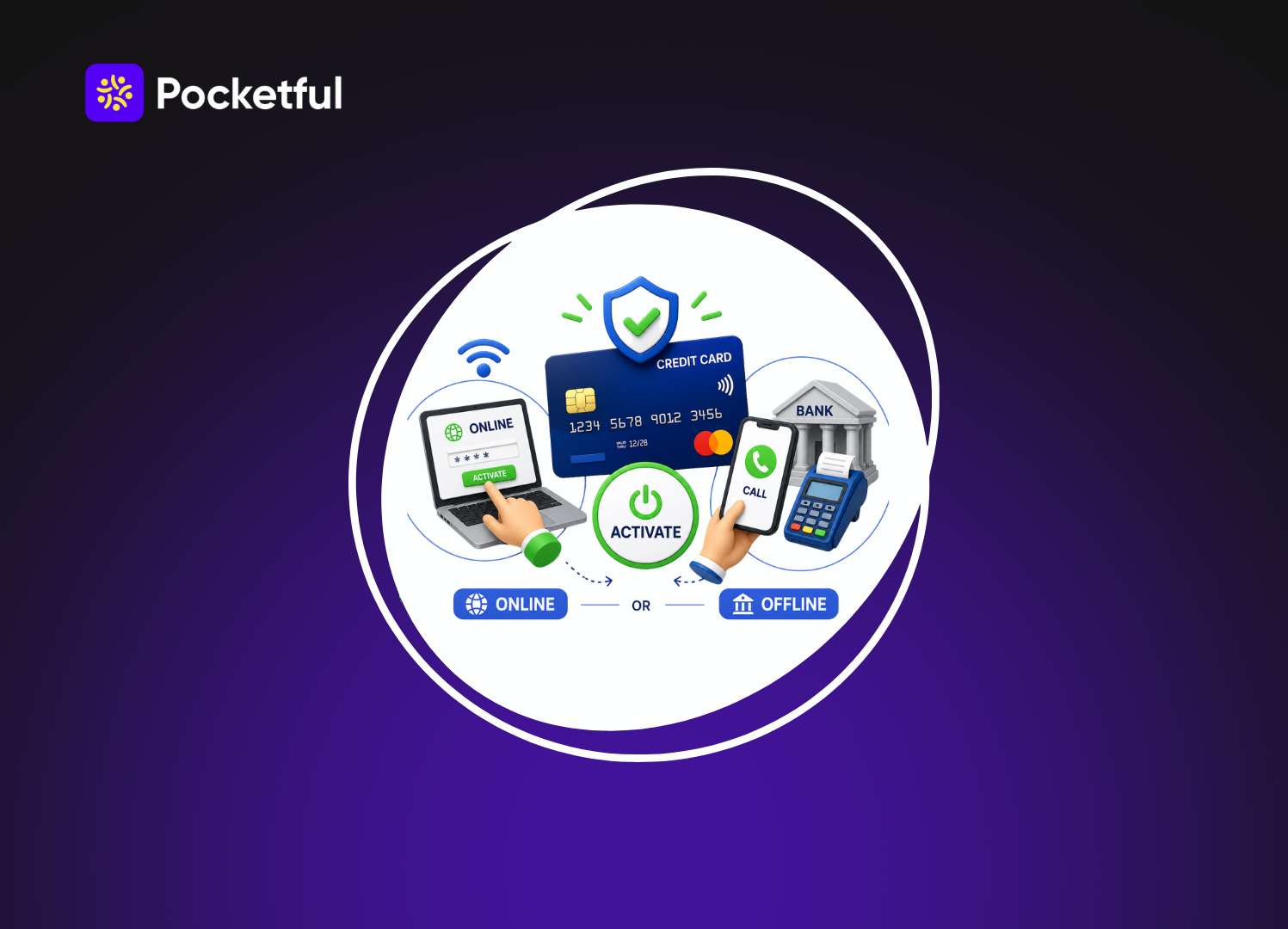
If you’re wondering how to activate credit card, the process is usually quick and can be completed through your bank’s mobile app, internet banking, ATM, customer care, SMS, or by visiting a branch.
Once activated, your credit card is ready for transactions, provided you’ve also generated your PIN if required. The exact process may vary slightly across banks, but most cards can be activated within a few minutes.
This guide shares all the details you need for card activation and the safety tips.
Key Highlights
| Feature | Details |
|---|---|
| Activation Methods | Mobile app, Net Banking, ATM, SMS, Customer Care, Bank Branch |
| Average Activation Time | Instant to 24 hours |
| Charges | Free |
| Documents Required | Credit card, registered mobile number, OTP |
| PIN Generation | Available through ATM, mobile app, or internet banking |
| Activation Required | Yes, before using a new credit card |
What Does Credit Card Activation Mean?
Credit card activation is the process of verifying that the card has reached its rightful owner before it can be used.
Once your card is activated:
- You can make online and offline purchases.
- Contactless payments become available.
- International transactions can be enabled, if supported.
- The card becomes an active card ready for everyday use.
- ATM transactions become available after PIN generation.
Why Do Banks Require Credit Card Activation?
Banks keep new credit cards inactive until the customer verifies ownership. This additional layer of security helps reduce fraud and protects customers if a card is lost during delivery.
Some key reasons include:
- To avoid any illegal use or misuse.
- Ensure that the card is with the rightful holder or owner.
- Reduces fraud during delivery.
- Protects sensitive financial information.
- Complies with banking security guidelines.
- Gives customers control before the card becomes usable.
Ways to Activate Credit Card
| Method | Online/Offline | Approximate Time | Best For |
|---|---|---|---|
| Mobile Banking App | Online | Instant | Most users |
| Internet Banking | Online | Instant | Existing account holders |
| ATM | Offline | 2 to 5 minutes | Customers visiting an ATM |
| Customer Care | Offline | 5 to 10 minutes | Users needing assistance |
| SMS | Online | Instant | Banks offering SMS activation |
| Bank Branch | Offline | 15 to 30 minutes | Customers preferring in-person support |
How to Activate Credit Card Online
Online activation is the fastest and most convenient method. Most banks allow customers to activate their cards through digital banking services without visiting a branch.
Activate Through the Mobile Banking App
- Download and open your bank’s official mobile banking app.
- Log in using your credentials.
- Go to the Cards or Credit Cards section.
- Select your new credit card.
- Choose Activate Card.
- Verify your identity using an OTP or biometric authentication.
- Complete the activation process.
- Generate your credit card PIN if prompted.
Activate Through Internet Banking
- Visit your bank’s official internet banking portal.
- Log in securely.
- Navigate to the Credit Card section.
- Select the newly issued card.
- Click Activate Card.
- Complete OTP verification.
- Confirm the request.
Activate Through SMS
- Open the messaging app on your registered mobile number.
- Type the activation message in the format specified by your bank.
- Send it to the designated number.
- Wait for the confirmation message.
Since SMS formats vary across banks, always check your welcome kit or the bank’s official website before sending the message.
How to Activate Credit Card Offline
If you are not comfortable using digital banking, you can activate your credit card through offline methods.
Activate Through an ATM
- Visit your bank’s ATM.
- Insert your new credit card.
- Choose the PIN Generation or Card Services option.
- Verify your identity using the OTP. It is received on your registered mobile number.
- Create your preferred ATM PIN.
- Complete the process.
Activate Through Customer Care
- Call your bank’s official customer care number.
- Verify your identity.
- Provide the required card details.
- Follow the instructions shared by the executive or IVR.
- Receive confirmation once activation is complete.
Visit the Bank Branch
- Carry your new credit card.
- Bring a valid identity proof if required.
- Request card activation.
- Complete identity verification.
- The bank executive will activate your card.
Read Also: Best Credit Cards in India
How to Activate SBI Credit Card
If you’ve recently received an SBI Card, there are several convenient ways to activate SBI credit card.
Through the SBI Card Mobile App
- Log in to the SBI Card App.
- Select your newly issued card.
- Tap Activate Card.
- Share the OTP you received on your number.
- Complete the activation.
Through the SBI Card Website
- Log in to your SBI Card online account.
- Navigate to the card management section.
- Select the activation option.
- Complete OTP verification.
- Your card will be activated instantly.
Through Customer Care
You can also activate SBI credit card by contacting SBI Card customer support and completing the verification process.
Through an ATM
Generate your ATM PIN at an SBI ATM or other supported ATM. In many cases, this also completes the activation process.
Once you activate SBI credit card, do a transaction to confirm that it is working.
How Long Does Credit Card Activation Take?
The activation time can be anywhere between instant to 24 hours based on the method.
| Activation Method | Estimated Time |
|---|---|
| Mobile Banking App | Instant |
| Internet Banking | Instant |
| SMS | Instant to a few minutes |
| ATM | Instant |
| Customer Care | 5 to 10 minutes |
| Bank Branch | Same day |
Common Problems During Credit Card Activation
Activating a credit card is really simple. But at times you can face issues as below.
| Problem | Possible Reason | Solution |
|---|---|---|
| OTP not received | Network issue or incorrect registered mobile number | Wait a few minutes, request a new OTP, or update your mobile number with the bank. |
| Activation failed | Incorrect card details entered | Verify the card number, expiry date, and other details before trying again. |
| Card not visible in the app | Card not yet linked to your account | Refresh the app or contact customer support. |
| Technical error | Temporary server issue | Try again after some time or use another activation method. |
| Card blocked | Multiple incorrect attempts | Contact the bank to unblock or reissue the card if required. |
| Invalid credentials | Incorrect internet banking login details | Reset your password or log in using the correct credentials. |
If the issue continues, connect with the bank support. Use the official number only. You can visit the bank as well.
Safety Tips While Activating Your Credit Card
Activating your credit card is a secure process. But this is true when you follow the right steps and proper channels. Some things to remember are:
- Use only your bank’s official website or mobile application.
- Avoid using public Wi-Fi networks for activating the card.
- Never share your OTP with anyone.
- Do not share your CVV, PIN, or internet banking password.
- Generate a strong password for your card.
- Enable SMS and email transaction alerts.
- Check your first few transactions regularly for any unauthorised activity.
- Log out of internet banking after completing the activation process.
Taking these simple steps helps keep your active card secure from fraud.
Can You Use a Credit Card Without Activation?
No. Banks generally keep new credit cards inactive until the cardholder completes the activation process. This security measure ensures that only the rightful owner can use the card.
Depending on the bank:
- Online purchases may remain blocked.
- Contactless payments may not work.
- ATM withdrawals are unavailable until a PIN is generated.
- International transactions may stay disabled until activated or manually enabled.
Completing the activation process ensures that your card is ready for secure use across all supported payment channels.
Read Also: Best RuPay Credit Cards in India
Difference Between Credit Card Activation and PIN Generation
Many people assume these are the same process, but they serve different purposes.
| Credit Card Activation | PIN Generation |
|---|---|
| Makes the credit card ready for use. | Creates or sets the ATM PIN for the card. |
| Usually completed only once. | Can be changed whenever required. |
| Required before making most transactions. | Required for ATM withdrawals and PIN-based purchases. |
| Confirms card ownership. | Improves transaction security. |
Even after learning how to activate new credit card, remember to generate your PIN if your bank requires it.
What Should You Do After Activating Your Credit Card?
Once your card is active, you can use it for multiple things like below:
- Generate or change your ATM PIN.
- Review your credit limit and billing cycle.
- Set spending or transaction limits, if available.
- Add your card to your preferred digital wallet.
- Enable international transactions only if required.
- Make a small purchase to confirm successful activation.
Conclusion
Knowing how to activate credit card is an essential first step before making your first purchase. Once you know this, you can actually start using the card better. But while you activate your card, you need to focus on safety tips and using the right channels.
If you’re looking to build better financial habits beyond using your credit card, Pocketful offers easy-to-understand resources. Open your demat account and start trading with confidence,
| S.NO. | Check Out These Interesting Posts You Might Enjoy! |
|---|---|
| 1 | Difference Between RuPay and Visa Card |
| 2 | Best UPI Apps in India |
| 3 | SBI Cards and Payment Services Case Study |
| 4 | How to Improve Your Credit Score? |
| 5 | CRED Case Study |
Frequently Asked Questions (FAQs)
How do I activate my new credit card for the first time?
You can activate new credit card through your bank’s mobile app, internet banking, ATM, customer care, SMS, or by visiting the nearest branch. Most activations are completed within a few minutes after OTP verification.
Can I activate my credit card without visiting the bank?
Yes. Most banks allow you to activate credit card online. You can do using app, website, or customer care.
How long does it take to activate a credit card?
In most cases, activation is instant. However, depending on your bank and the verification process, it may take up to 24 hours.
How do I activate SBI credit card online?
You can activate SBI credit card through the SBI Card mobile app or the SBI Card website. You can also visit an ATM or a branch to get the card activated. Just have your card and your registered mobile with you.
Is my credit card ready to use immediately after activation?
Yes. Once you activate your credit card, you can start using it for online and offline transactions.